
 English
 Tiếng Việt
 简体中文
简体中文 한국어
한국어 日本語
日本語 ไทย
ไทย Bahasa Melayu
 ខ្មែរ
ខ្មែរWhat is a WebView app — and how remote control works
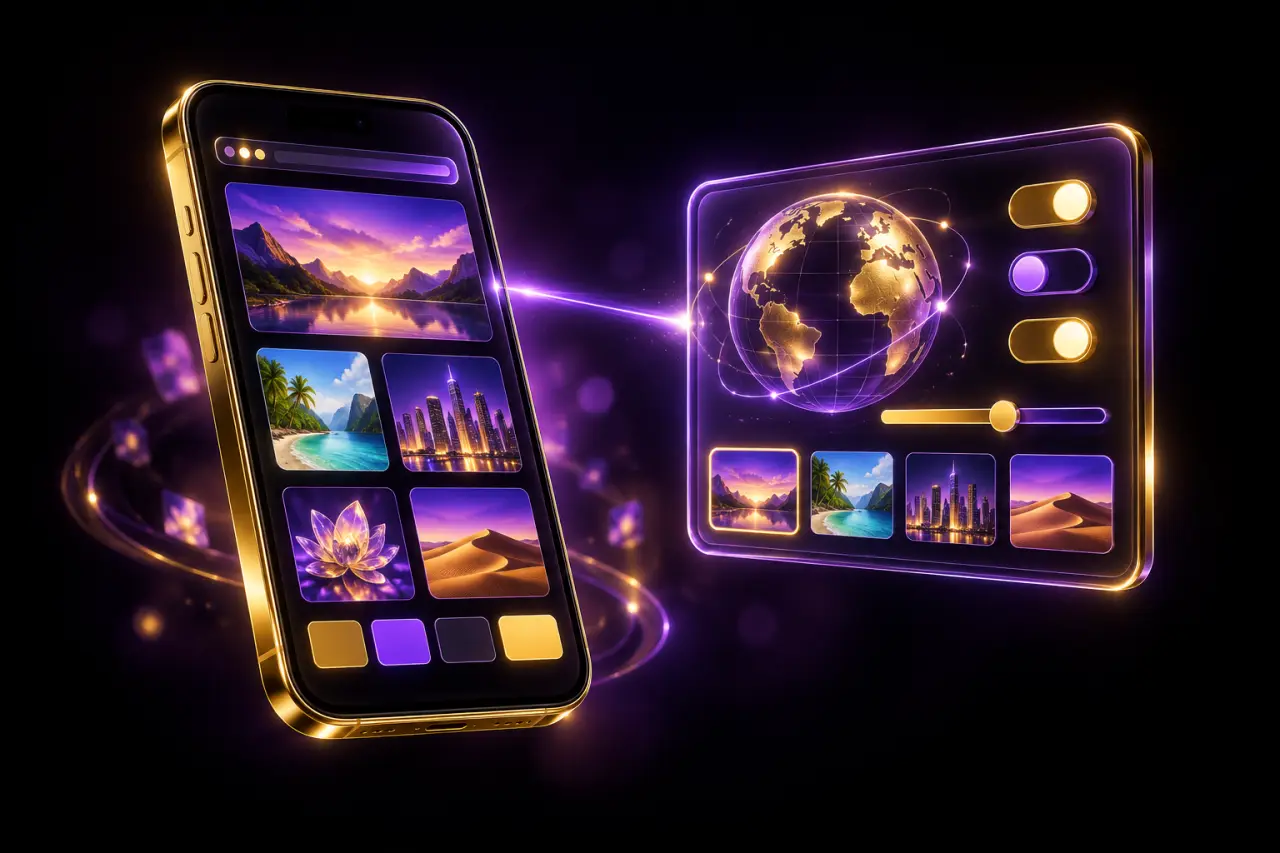
A WebView app is a normal Android or iOS app that shows web content inside one of its screens. Because that content lives on a server, you can change what users see without shipping a new version to the store.
How a WebView works
WebView is a component built into both Android and iOS. It renders a web page inside the app, so a screen can be built with web technology instead of native code.
For the user it looks like any other screen of the app. For you it means the content is loaded from a link, and changing the link or the page changes what users see.
What you can control from the portal
With the WebView edition, the settings live in a management portal instead of inside the app build:
- Turn the displayed content on or off for each app
- Change the target link
- Change the logo, background and splash screen
- Watch app opens and devices in real time
Why there is no store review to wait for
Store review applies to new builds. Portal settings are read by the app while it runs, so a change in the portal reaches users' devices right away — the build on the store stays the same.
When a WebView edition makes sense
Pick it when the content changes often, when you want one place to manage several apps, or when you want to see real usage numbers before deciding what to change next.
Quick answers
Yes. WebView is part of both platforms; the WebView edition is offered for the apps where it is listed on the app page.
No. Settings changed in the management portal apply on users' devices without a new store submission.
Keep reading



Can't find what you need?
Message the admin with your idea and budget — quote and timeline within the day.