
 English
 Tiếng Việt
 简体中文
简体中文 한국어
한국어 日本語
日本語 ไทย
ไทย Bahasa Melayu
 ខ្មែរ
ខ្មែរBuying an app that is already live: a 7-point checklist
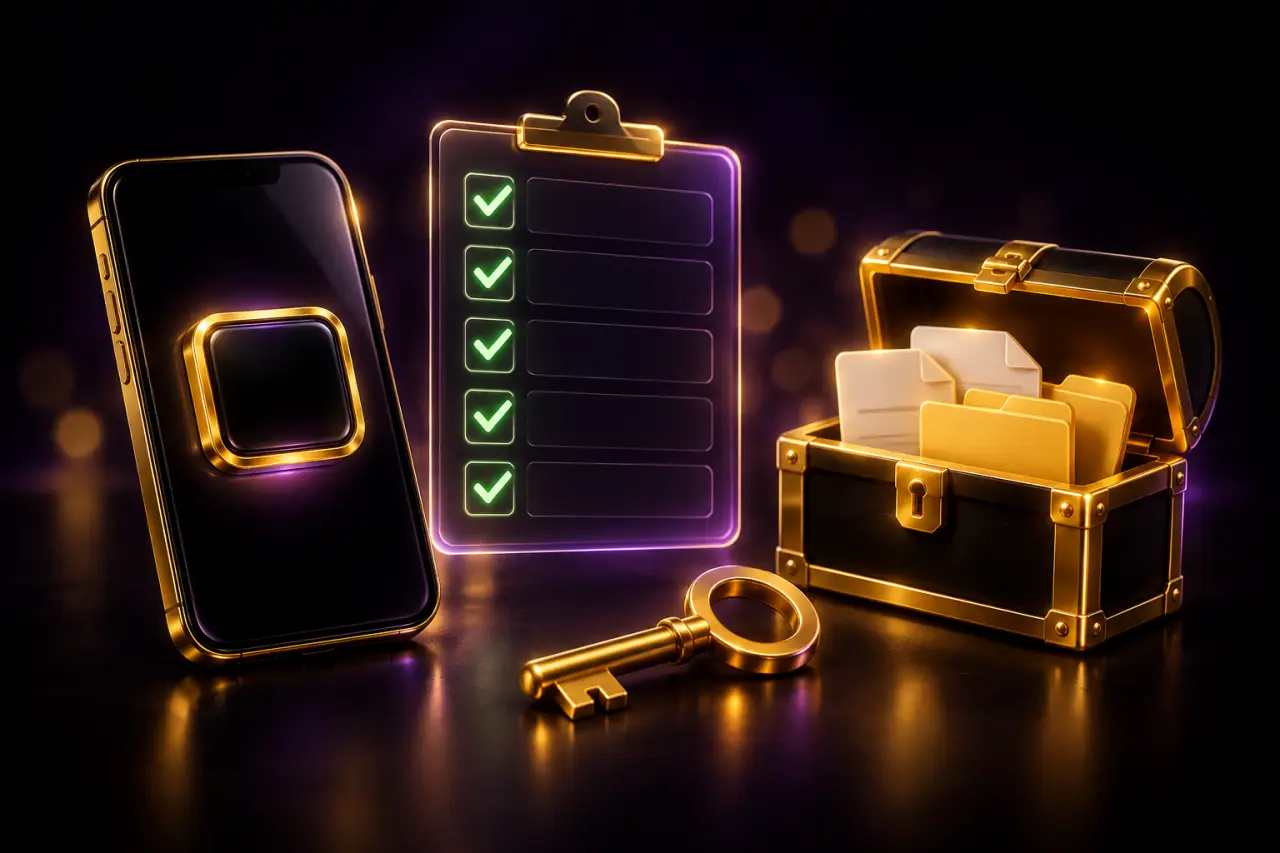
An app that is already live has passed store review and has a public listing. That makes it easier to check before you buy — here is what to look at.
The checklist
- Open the public store listing from the app page and compare it with the previews
- Look at the version, update date, installs and rating taken from the listing
- Choose the edition you need: Clean, IAP, WebView or HotUpdate
- Read the “Includes” section — it lists exactly what is handed over
- Check the warranty period shown for that app
- Order on Telegram and keep your order code
- Ask the admin about anything unclear before paying
How payment works
Every edition has a USD price. After you order, payment instructions appear in your order on Telegram; the admin confirms and updates the order status so you can follow it.
What handover looks like
You receive the source code and everything listed under “Includes”, with setup guidance. For WebView and HotUpdate editions the admin also walks you through the configuration and the management portal.
After handover
The admin keeps answering questions and supporting you until the app runs smoothly on your account.
Quick answers
Each app page has a “View on Google Play / App Store” button that opens the public listing.
Yes. Message the admin on Telegram from any app page.
Keep reading




Can't find what you need?
Message the admin with your idea and budget — quote and timeline within the day.